
Features
What the platform does.
Everything below is in the We Track IT platform today. Most of it works with our plug-in FMM003 tracker; where something needs extra hardware or depends on the vehicle, it says so.
- Live tracking
- Trips and history
- Logbook
- Speeding
- Driver behaviour
- Geofences
- Security and tamper alerts
- Vehicle data
- Maintenance
- Alerts
- Fleet organisation
- On your phone
- Sharing
- Drivers
- Immobiliser
- Sensors and inputs
- Integrations and API
- Custom development
Needs extra hardware not available with the FMM003 on its own ·Depends on vehicle needs the vehicle to share that data over OBD
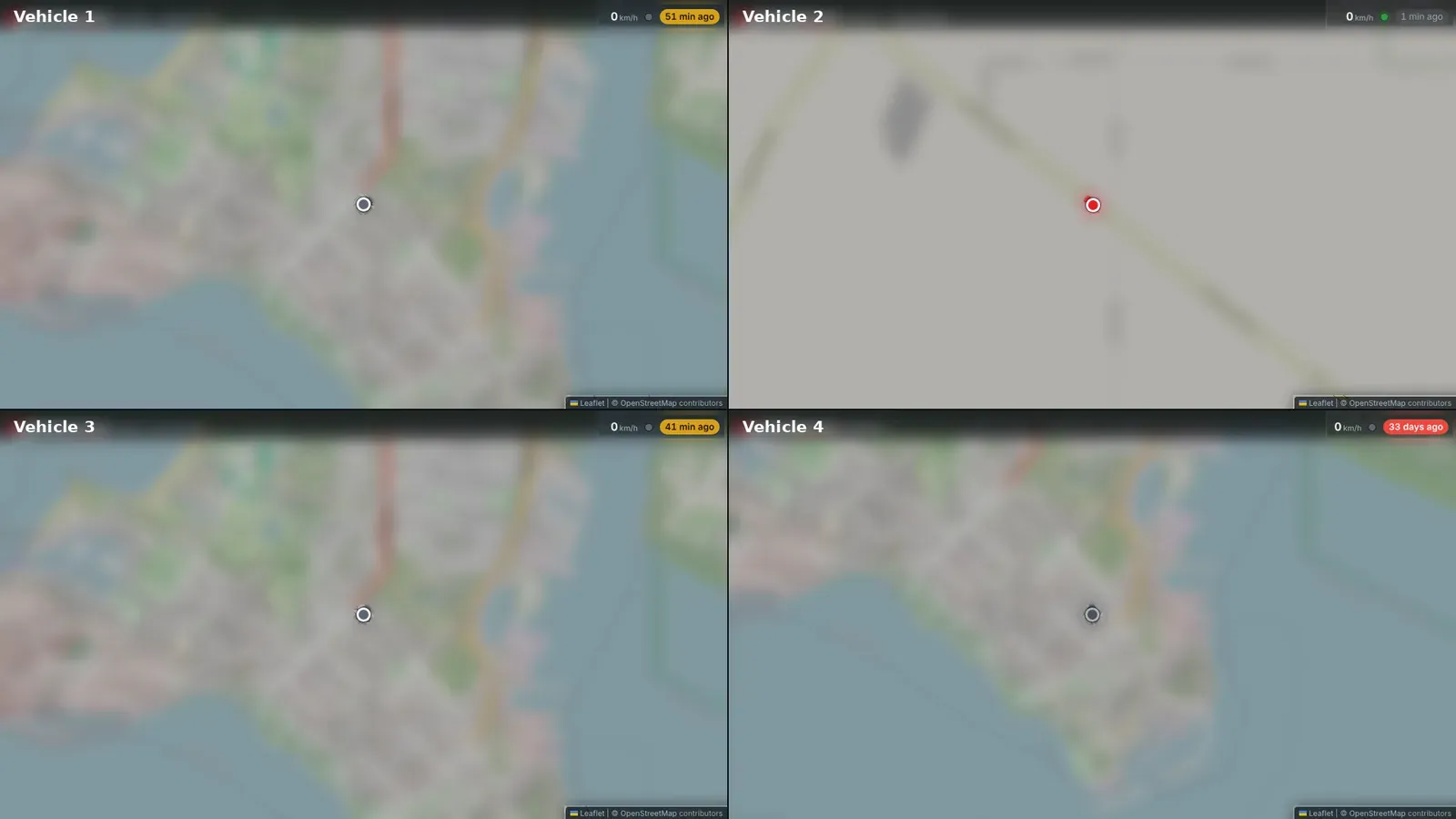
- Live map of your whole fleet
- Status for each vehicle: moving, idling with the ignition on, or parked
- Last known location, even when a vehicle is out of coverage
Trips and history
Every trip is recorded automatically. No paper logbook, no buttons to press.
- Trips start and stop automatically
- Trip detail and playback on the map
- Mileage per vehicle and across the fleet
- Daily summary for each vehicle
Logbook
A vehicle logbook that keeps itself — no paperwork.
- Every trip recorded automatically, with its distance and times
- Trips marked as Business, Personal or Commute
- Logbook automation, so trips are marked for you
Talk to us about setting up logbook automation for your fleet. Check with your accountant that it suits your tax records.
- Device speed limit that you set
- Posted road speed limits
- One speed limit across your whole account
- Speed limits inside particular zones, such as a yard or a mine site
- Maximum speed recorded inside a zone
- Harsh braking
- Harsh acceleration
- Harsh cornering
- Excessive idling
- Engine over-revving (needs the vehicle to report engine RPM)Depends on vehicle
- Circle and polygon zones
- Locations — alerts on enter and exit
- No-go zones and keep-in zones
- Routes — alerts when a vehicle goes off route
- Points of interest (POI), and zones uploaded from a GPX file
- Zone overstay — a vehicle stays too long
- Entering or leaving a country, state or town
Security and tamper alerts
Find out fast if a tracker is pulled out or a vehicle moves when it shouldn’t.
- Tracker unplugged from the vehicle
- Tow alert — vehicle moved with the ignition off
- Impact event
- Mobile signal jamming detected
- Vehicle battery low or disconnected
- Tracker backup battery low
- SIM swap
What the tracker detects depends on how it is configured. We set that up and manage it for you.
Vehicle data
Depends on vehicle
Read data straight from the vehicle’s own computer, where the vehicle shares it.
- OBD reports from the vehicle
- Fault codes (DTC)
- Engine overheating alerts
- Fuel level
- Odometer and working-hours (engine hours) adjustment, so the platform matches the dash
- EV charging start and stop
Which of these you get depends on the make and model. Ask us before you order.
Maintenance
Keep servicing on schedule for every vehicle.
- Maintenance items for each vehicle
- Scheduled by date, kilometres or engine hours
- Odometer and engine hours adjustable to match the dash, so services fall due at the right time
- Alert rules for your account, with priorities
- Email, SMS, on-screen and push notifications
- Send alerts to other people as well as yourself
- SMS alerts use your account’s SMS allowance
- Your own vehicle names and IDs
- Groups — by depot, crew, region or job
- Activation and deactivation dates for each vehicle
- Work modes, and clock in / clock out
On your phone
The dashboard works on a computer, tablet or phone, and installs like an app.
- Install it on your home screen straight from the browser
- Opens full screen, like any other app
- Nothing to download from an app store, and nothing to update
- Share a vehicle’s live location by link
- Driver records
- Authorised and unauthorised driver tagsNeeds extra hardware
Identifying the driver needs a driver-ID reader fitted in the vehicle. The FMM003 does not do this on its own.
Immobiliser
Needs extra hardware
Stop a vehicle from starting, remotely.
- Remote immobiliser on and off
Needs a hardwired tracker and immobiliser relay. Not available with the FMM003.
Sensors and inputs
Needs extra hardware
Add sensors for the jobs a plug-in tracker can’t see.
- Digital and analog inputs and outputs
- Temperature sensors
- Fuel tank sensors
- Door sensors
- Panic / SOS buttons
- Bluetooth (BLE) beacons
These need a hardwired tracker or extra sensors. Talk to us about your setup.
Integrations and API
For larger fleets: get your tracking data into the systems you already use.
- Data forwarding to third-party platforms
- Report webhooks
- REST API
Talk to us about what you need to connect.
Custom development
Need something extra? We’ll build it.
If the platform doesn’t do something your business needs out of the box, we can build it for you. Every custom job is quoted up front.
Wall maps
A full-screen live map of your fleet for a TV in the depot, office or control room.
Connections to your systems
Tracking data sent to the job management, payroll or reporting tools you already use.
Something else?
Tell us what you need and we’ll tell you what’s possible, and what it costs.
Get your fleet on the map.
Tell us what you drive and how many vehicles you run. We’ll come back to you with a quote.